Fast offline POS
Sales ej jorren an in̄terenet. Data ej syncs an jān in̄terenet, im ej jorren in duplicate transactions.
Barber • Hair • Cosmetology
Smart Business Solution
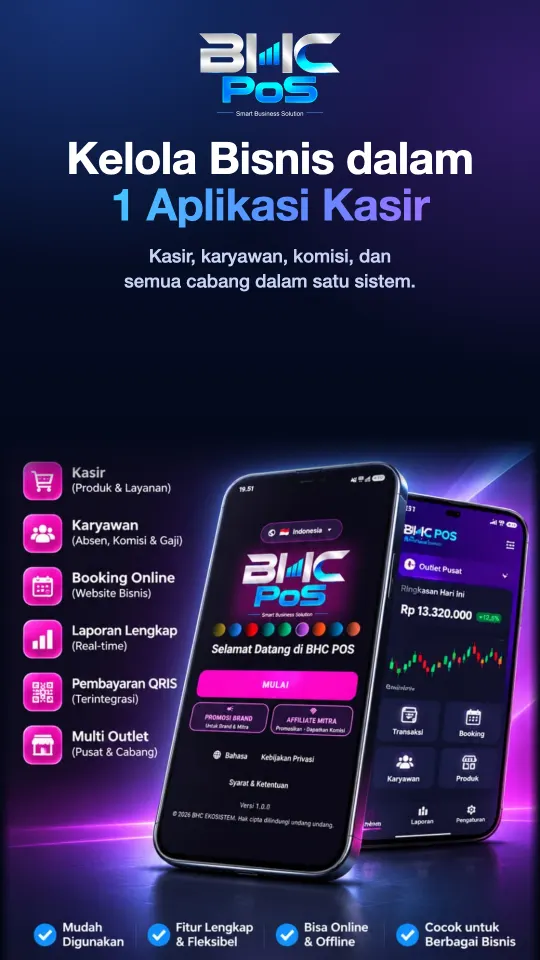
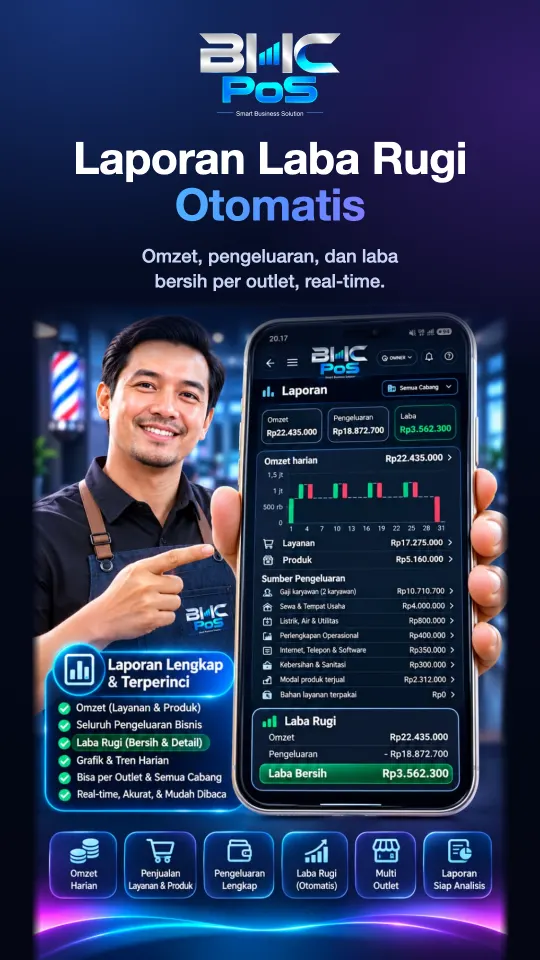
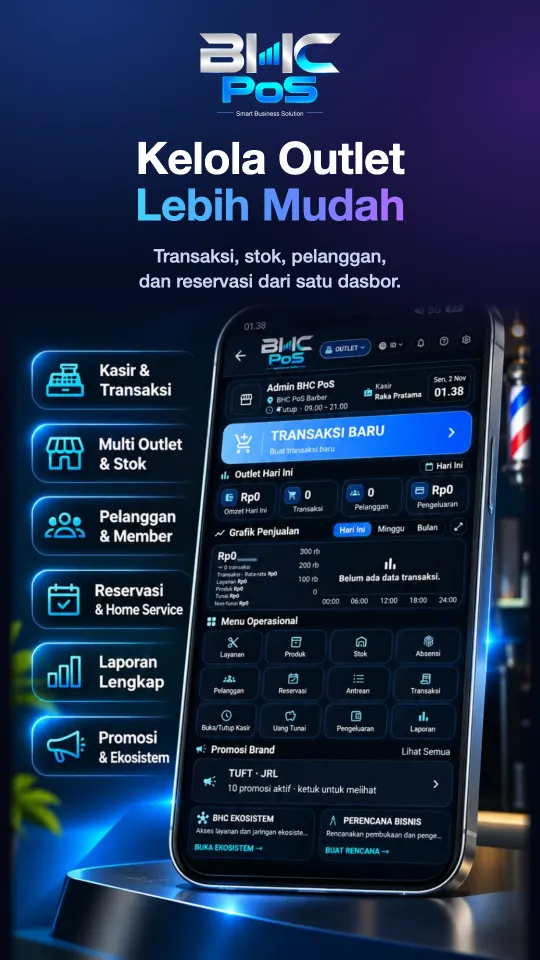
Kōm̧m̧an in̄e, online booking, staff, komiṣin, stock ak ripoṭ in̄e — eṃṃan barbershops, salons ak beauty clinics. Kōm̧m̧an in̄e ej jān offline, ak eṃṃan kākūn̄ in̄e ej jān.

Jabdewōt
Jab in̄an in BHC build. Buttons in̄e ej jab in̄an an jān in̄an eṃṃan an jab in̄an jān in̄an eṃṃan.
More options
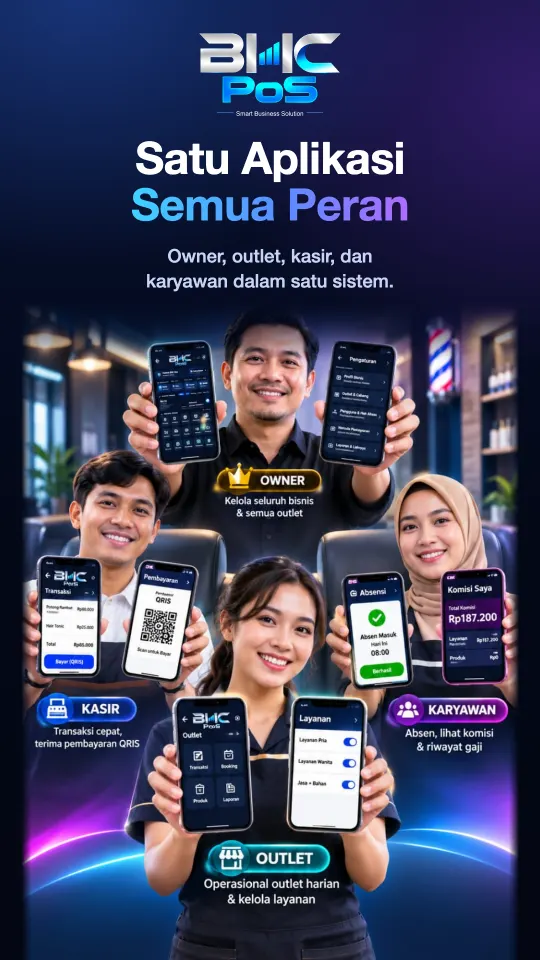
Owners sign in with email & password in jān̄e app or at app.bhcapps.net. Cashiers/staff sign in with jān̄e username & PIN from jān̄e Owner on jān̄e outlet device.
Video & gallery
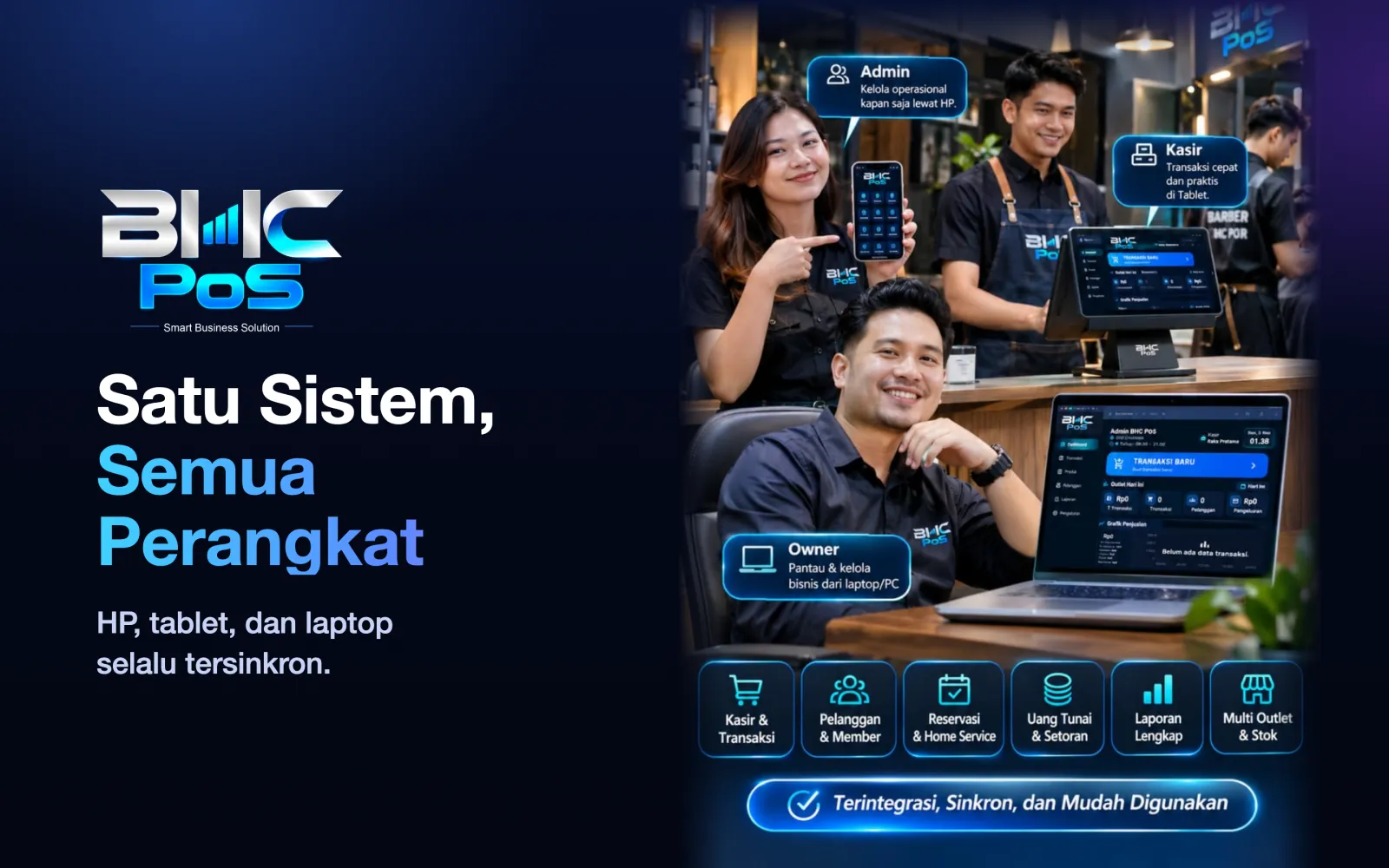
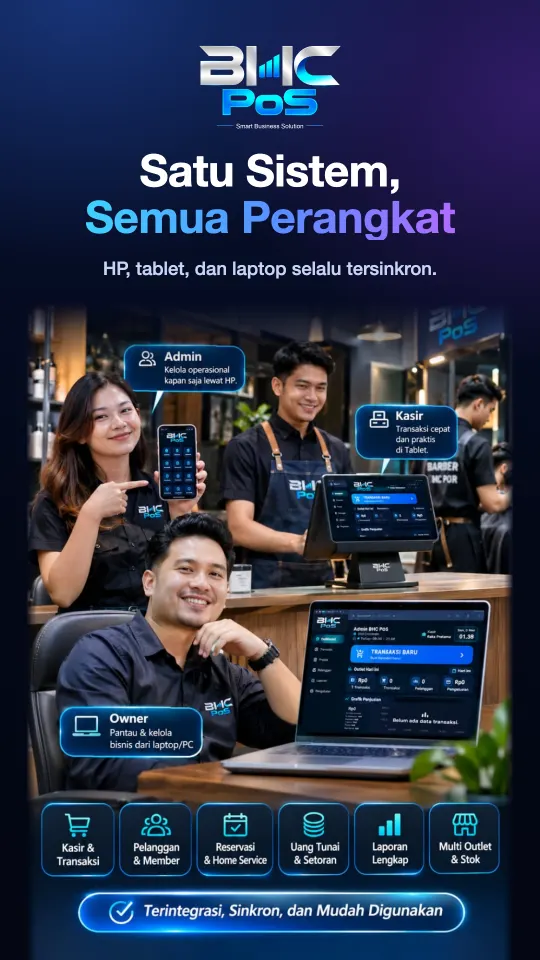
Owners eṃṃan in laptop, cashiers eṃṃan in tablet, admins eṃṃan in phone — jab in jān.
Jabdewōt in jikin
Ejjeḷḷọk barbershop, salon im beauty workflows — emoj in cashier app.
Sales ej jorren an in̄terenet. Data ej syncs an jān in̄terenet, im ej jorren in duplicate transactions.
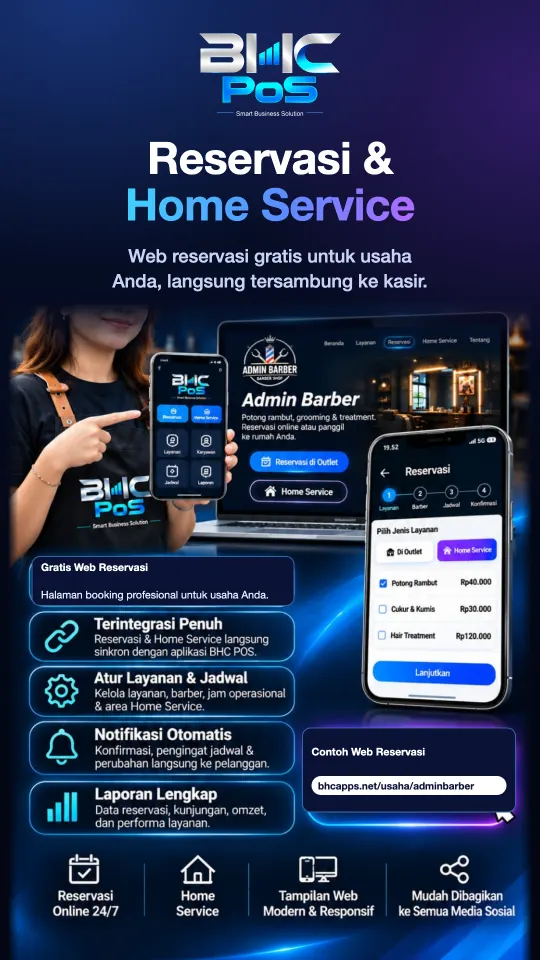
Every business ej an̄in̄ in its own booking link: choose branch, service, staff im̧an̄in̄ in schedule.
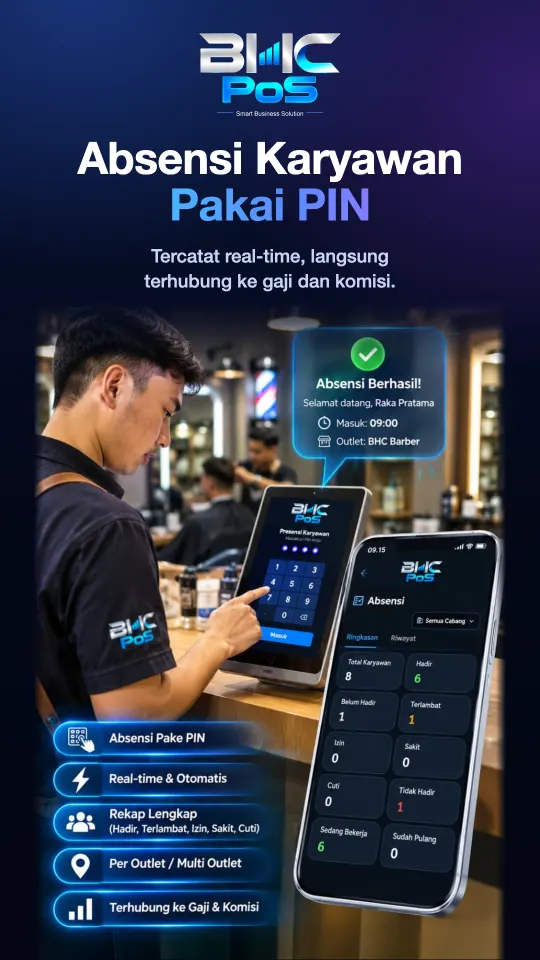
Per-outlet cashier accounts with PIN, attendance, im server-validated permissions.
Per-service im per-staff commissions ej jān in̄an in jān in̄an, ready for payroll.
Track products and supplies; stock is deducted automatically on every sale.
Manage many branches in one business. Owner im Outlet ej jān in different access.
Pricing
Kōmān kijen jabdewōt eṃṃan free — jabdewōt every premium feature eṃṃan 30 days.
Prices in Indonesian Rupiah; yearly periods ej available in the app. Subscriptions ej paid inside the app im̧o marked PAID only after server verification.
BHC POS jān̄in
POS, booking, staff, commission, stock, reports.
Walk-in queue, barber commission, product sales.
Appointments, stylist commission, salon stock.
Booking link: branch, service, staff, time.
Products im supplies deducted automatically.
Jān̄in in̄to kōjbar rej jān̄in in̄to.
A free plan im jabōn jān̄in.
Free, Basic, Growth, Pro, Unlimited.
Getting started, online booking, offline mode.
Kōjā, jān̄in kōjā.
Kōmān kijen
Iō. Sales ej kākū in device im ej synced automatically jab in kākū, im jab in duplicates.
The Owner im̧an̄in̄ in business in ke ejjeḷak im̧an̄in̄ in all branches. Cashiers ej an̄in̄ in their own outlet; permissions ej validated by the server.
Aolep business's data e isolated, e sent over HTTPS, ak e backed up automatically aolep jela.
From the Subscription menu in the Owner app. PAID status ej given only after the payment is verified by the server.
Ejjab Google Play im App Store buttons in activate jab in app in ejjeḷḷọk. Ejjab, use the official APK in Android, ak ejjeḷḷọk Web App in iPhone/iPad (Safari → Add to Home Screen).